If you run a local business, your Google Business Profile is the most valuable piece of online real estate you own. It is what shows up when someone searches your name, when someone searches “[your service] near me”, and when someone taps a pin on Google Maps. It is also what Gemini and Google’s AI Mode read when they decide which business to name. Optimizing it means making every part of the listing complete, accurate and specific enough that Google — and a stranger — can tell exactly what you do, where, and for whom. Here is how, field by field, in the order that matters.
The 15-minute checklist
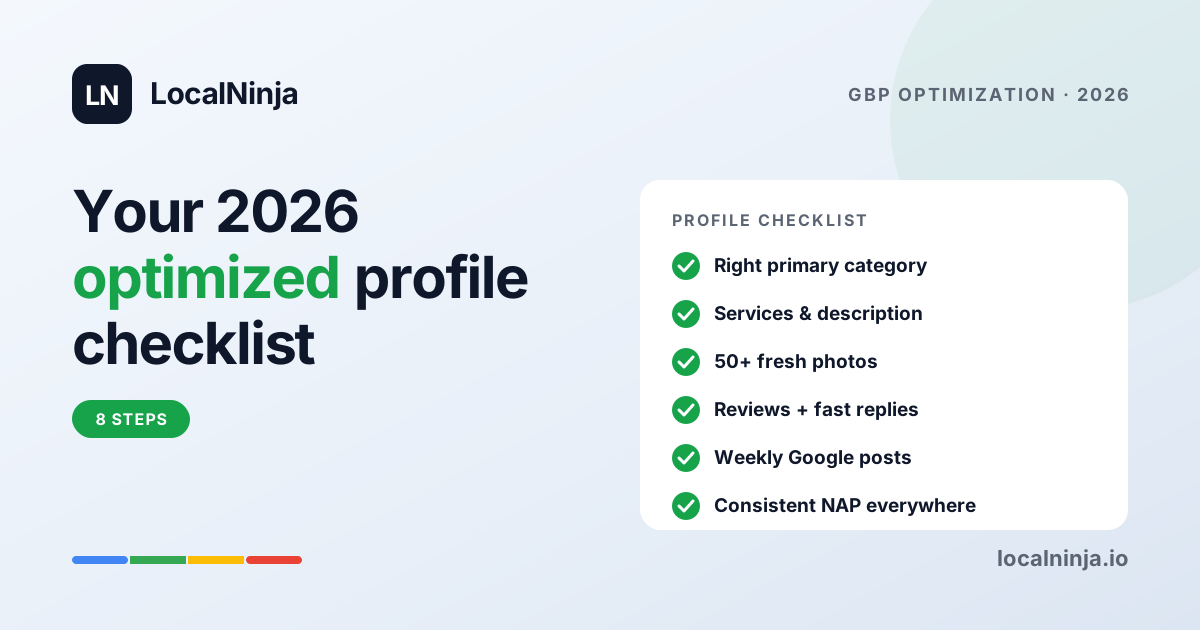
If you only have a quarter of an hour, open your profile on your phone and check these. Each one is explained below.
- Primary category is the exact thing you want to be found for
- Every relevant secondary category is added
- Name is your real business name, with no extra words
- Address, phone and website match what your website says, letter for letter
- Hours are set, including holidays and special hours
- Description says what you do, where, and for whom in plain sentences
- Services (or products) are listed with a line of description each
- At least ten real photos: outside, inside, people, work
- Every review has an owner reply
- A post from the last two weeks
1. Verify your profile, and re-verify if you moved
You cannot rank if you are not verified. Google has moved most verification to video, phone or instant verification for trusted systems, and postcards are rare now. If you changed your address or your business name in the last year, check the verification status in your profile settings; a listing whose verification lapsed after a move is one of the quieter reasons a business drops off the map.
2. Pick the right primary category — the field with the most leverage
Your primary category tells Google which searches you belong in. It carries more weight than your business name, your description or any other field. If you run a pizza restaurant and the primary category says “Restaurant”, you are competing for every restaurant search and losing the pizza ones to businesses categorized correctly.
- Search Google Maps for your trade in your town and look at the category under the names of the three businesses at the top. That is what works in your city.
- Add every secondary category that truly applies. There is no penalty for adding them, and each one opens another set of searches.
- Re-check the list twice a year. Google adds and renames categories without announcing it.
3. Keep the name clean
Your profile name must be your real business name as it appears on your sign and your invoices. Adding your town, your trade or “best” to it (“Joe’s Plumbing — Emergency Plumber Northside”) is against Google’s guidelines and is one of the most common reasons listings get suspended. It is also unnecessary: the category and the description carry those words for you.
4. Fill every field, and write the description for a person
Complete profiles tend to be shown more than half-finished ones, and every empty field is a question Google has to guess at. Set hours, including holidays. Add the attributes that apply (wheelchair access, women-owned, free Wi-Fi, appointment required). Then write the description — up to 750 characters — the way you would describe the business to a customer on the phone. A template that works:
“[Business] is a family-run [trade] serving [area] since [year]. We do [service 1], [service 2] and [service 3], with [what makes you different — same-day, licensed and insured, 20 years’ experience]. Open [days]. [How to reach you].”
That paragraph is quotable: Google can match it to searches and an AI assistant can lift a sentence from it. A list of keywords is not, and Google discounts descriptions that read like one.
5. List your services, one line each
The Services section (Products, for shops) is where you tell Google the specific things people search for: “water heater replacement”, “root canal”, “brake repair”. Add each one, with a sentence of description and a price or price range where you can. Each service is a chance to match a search your category alone would miss, and it is what the assistants read when someone asks “who does X near me”.
6. Photos: real, recent, and the four kinds that matter
Photos are how a stranger decides whether to trust you before they call. Profiles with a steady flow of real photos tend to get more clicks and calls than those with a handful of old ones, and Google’s own image recognition reads them to confirm what you do. Four kinds do the work: the outside (so people can find you), the inside (so they know what to expect), the team (so they know who they will meet), and the work (so they can see you can do it). Take them on your phone in daylight, skip stock images, and add a few new ones every month.
7. Reviews: ask steadily, reply to every one
Your rating and count sit next to your name in every search. Alongside them, how recent your reviews are and how often you reply carry weight, with customers and with Google. Ask at the moment the customer is happiest, make it one tap with a short link or a QR card, and encourage people to say what you did for them — “fixed our water heater the same afternoon” persuades a reader and gets quoted by AI assistants, where five bare stars do neither. Reply to every review, positive and negative, within a few days, by name, in a sentence or two. A two-word “Thanks!” gives nobody anything to go on.
8. Post every week or two
Most businesses never publish a Google post. The ones that post regularly look open and tended, and each post is a small piece of fresh text that can match an extra search. Post a finished job, a seasonal reminder, changed hours, an offer, a new service. Five minutes, every week or two, is enough.
9. Answer the questions on your profile before customers ask them
The Questions & answers section is public, and anyone can post there — including a confused customer and a competitor. Add your own five most common questions with the answers (do you charge for a quote, do you work weekends, is parking available), and check it monthly for new ones. An answered question reassures a reader and gives Google and the assistants another plain sentence about your business.
10. Make your details identical everywhere
NAP means name, address and phone. If your Google profile says “ABC Plumbing & Heating Inc.” but Yelp says “ABC Plumbing” and Facebook says “ABC Plumbers” with an old number, Google sees three businesses and trusts each a little less. Pick one exact format and use it identically on your website, Google, Yelp, Facebook, Apple Maps, the Better Business Bureau and every directory you appear on. It is dull, and it is worth doing once, properly.
What Google’s AI and the assistants read
Gemini, Google’s AI Mode and, through the pages it reads, ChatGPT all lean on the same fields you have just filled in: the category, the description, the services, the reviews and whether your website says the same facts as your profile. There is no separate “AI optimization” to buy. A profile that a person can understand at a glance is the one the machines can recommend. If you want to know whether they do, ask ChatGPT and Gemini five questions a customer would ask and see who gets named — or have a profile audit measure it properly.
A 30-minute monthly routine
- Open the Performance tab. Note how many people searched, called and asked for directions, and which searches you appeared for. Searches you appear for but rarely get clicked on are a hint for your next post or service description.
- Reply to any review you missed, add three to five new photos, publish one post, and check Q&A for new questions.
- Once a quarter, re-check your categories, hours and the match between your profile and your website. Twice a year, run a full audit to see where you rank across your area and who ranks above you.
When to get help
Most owners can get everything above right in a weekend. The parts that get hard are picking categories in a crowded city, writing service descriptions that match what people actually search, untangling years of mismatched directory listings, and keeping the profile tended week after week. If you want to know exactly where you stand first — your map ranking block by block, the businesses above you and why, and what the AI assistants say about you — a profile audit will show you, with the three fixes to make first.