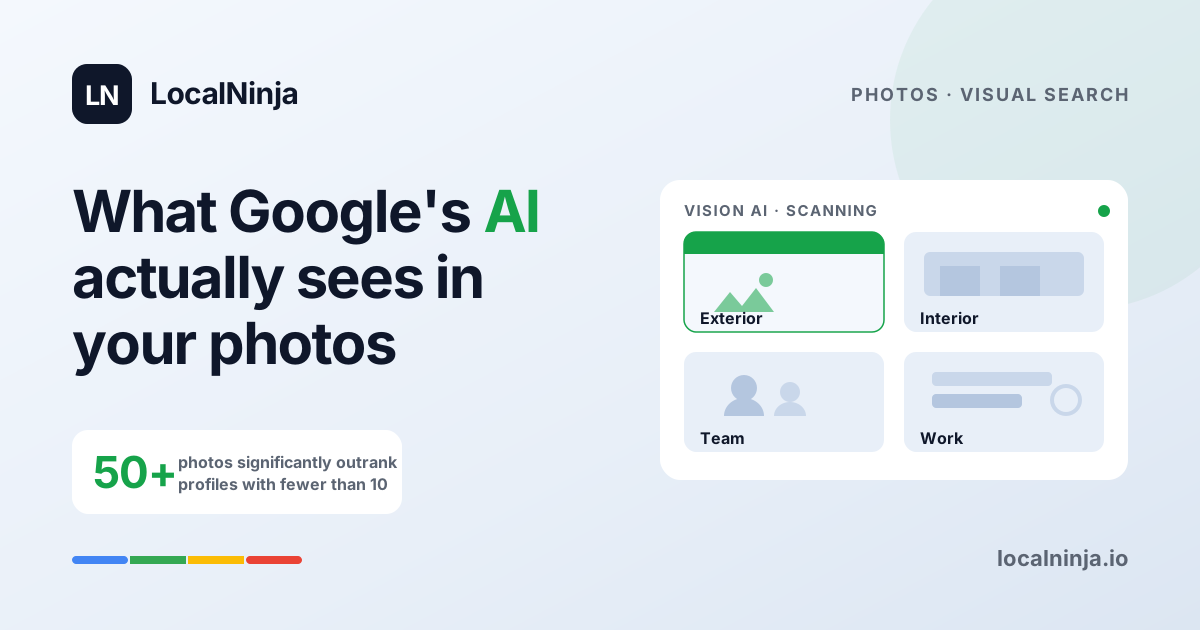
Here's something most business owners don't realize: Google isn't just displaying your photos. It's actually looking at them. Google's Vision AI scans every image on your Business Profile to figure out what your business does, what your space looks like, and whether you're the real deal. Those five blurry photos from your grand opening three years ago? They're quietly costing you customers.
In 2026, visual search has become a core ranking factor for local businesses. The businesses showing up at the top of Google Maps aren't just the ones with the most reviews — they're the ones with fresh, authentic photos that tell Google exactly what they offer. Let's break down what actually matters and what you can do about it this week.
Google's AI is reading your photos like a resume
When you upload a photo of your team replacing a water heater, Google's Vision AI doesn't just see "a photo." It identifies the water heater, the tools, the uniforms, the residential setting. It connects those visual signals to search queries like "water heater installation near me." The more clearly your photos show what you do, the better Google understands when to show your business.
This is a huge shift from even a couple of years ago. Your photos used to be mostly for customers browsing your profile. Now they're part of how Google decides whether to show your profile in the first place. Think of every photo as a visual keyword — one that Google reads without you having to type anything.
The numbers don't lie: more photos, more customers
Businesses with 50 or more photos on their Google Business Profile significantly outperform those with fewer than 10. We're not talking about a small bump — it's a measurable difference in how often your profile appears in search results, how many people click through, and how many of those clicks turn into calls or visits.
Most local businesses we audit have somewhere between 5 and 15 photos, many of them outdated. Meanwhile, the competitor ranking above them has 80 photos uploaded over the past year. Google interprets a steady stream of fresh images as a sign that your business is active, engaged, and worth recommending. Profiles that go 30 or more days without a new photo see a measurable dip in impressions.
The four photo categories that actually move the needle
Not all photos carry equal weight. Google and your potential customers care about different things at different stages of their decision. Here are the four categories that matter most:
- Exterior photos — These help customers find you. Show your storefront, signage, parking area, and what the building looks like from the street. Google uses these to confirm your location is real and help people recognize it when they arrive.
- Interior photos — These set expectations. A clean, well-lit dental office tells a nervous patient they're in good hands. A cozy restaurant interior makes someone click "get directions" instead of scrolling past.
- Team photos — These build trust before anyone walks through the door. Show your actual staff, in uniform or at work. People want to see the humans behind the business, especially for services where someone is coming into their home.
- Work and product photos — These are your proof. A finished kitchen remodel, a beautifully plated dish, a fresh set of highlights. Show the results of what you do, and let the quality speak for itself.
How often should you upload new photos?
Aim for at least two new photos per week. That sounds like a lot, but it really isn't once you build a quick habit. Snap a photo of a finished job before you leave the site. Take a picture of today's special before the lunch rush. Get a quick team shot on a slow Tuesday morning. These don't need to be professional — they need to be real and recent.
Consistency matters more than perfection here. Google rewards businesses that show regular activity. Two decent photos every week will outperform a batch of 20 professional shots uploaded once a year and then forgotten. Set a reminder on your phone if you need to — this is one of the easiest wins in local search.
The file naming trick almost nobody uses
Before you upload a photo, rename the file. Instead of "IMG_4532.jpg," name it something like "emergency-plumber-chicago-kitchen-repair.jpg" or "family-dentist-austin-teeth-cleaning.jpg." Google reads file names as additional context about what the image contains. It's a small detail, but it reinforces the connection between your photos and the search terms you want to rank for.
This takes about five seconds per photo and most of your competitors will never bother. That's exactly why it's worth doing. Every little signal adds up, and file naming is free, easy, and surprisingly effective.
What makes a "good" business photo in 2026
Google's AI favors authentic visuals showing real locations, real staff, and real services. Stock photos won't help you — and if Google detects them, they could actually hurt. Here's what to aim for:
- Good natural lighting — step near a window or go outside if you can
- Clear subject — don't try to fit everything into one shot, focus on one thing
- No heavy filters — Google wants to see reality, and so do your customers
- Show people when possible — a photo of a technician mid-repair is more powerful than a photo of an empty van
- Horizontal orientation — these display better on both desktop and mobile search results
What your competitors are probably doing wrong
Here's the honest reality: most local businesses have a handful of photos uploaded when they first claimed their profile, and they haven't touched it since. The images are dark, blurry, or completely irrelevant — a random logo file, a stock image of a handshake, maybe a low-res shot of the building from across the street.
That's your opportunity. While they're ignoring their photos, you can build a visual portfolio that tells Google and your customers exactly who you are and what you do. It doesn't require a photographer or a marketing budget. It requires a phone and five minutes a few times a week.
A simple photo plan you can start today
- Open your Google Business Profile and count your current photos. If you have fewer than 20, that's your first gap to close.
- Take one exterior photo and one interior photo this week. Rename the files with your business type and city before uploading.
- Set a recurring reminder to take two photos per week — finished work, happy team moments, your space looking its best.
- Every month, check which photos are getting the most views on your profile. Do more of what's working.
- Delete any blurry, dark, or outdated photos that don't represent your business well today.
Your photos are a ranking factor now — treat them like one
The days of photos being an afterthought on your Google profile are over. In 2026, visual search is a core pillar of how Google decides which local businesses to recommend. The good news? Most of your competitors haven't caught on yet. A little consistency with your photos can create a real, measurable advantage.
Not sure where your profile stands? LocalNinja offers a comprehensive profile audit that includes a full photo analysis — we'll tell you exactly how your visuals stack up, what's missing, and what to upload next. It takes two minutes to request and could change how often customers find you.