You wake up, grab your coffee, and check your phone. There's a notification from Google: "Your Business Profile has been suspended." No warning, no explanation, no phone call. Just... gone. Your listing, your reviews, your photos — all invisible to every customer searching for you right now.
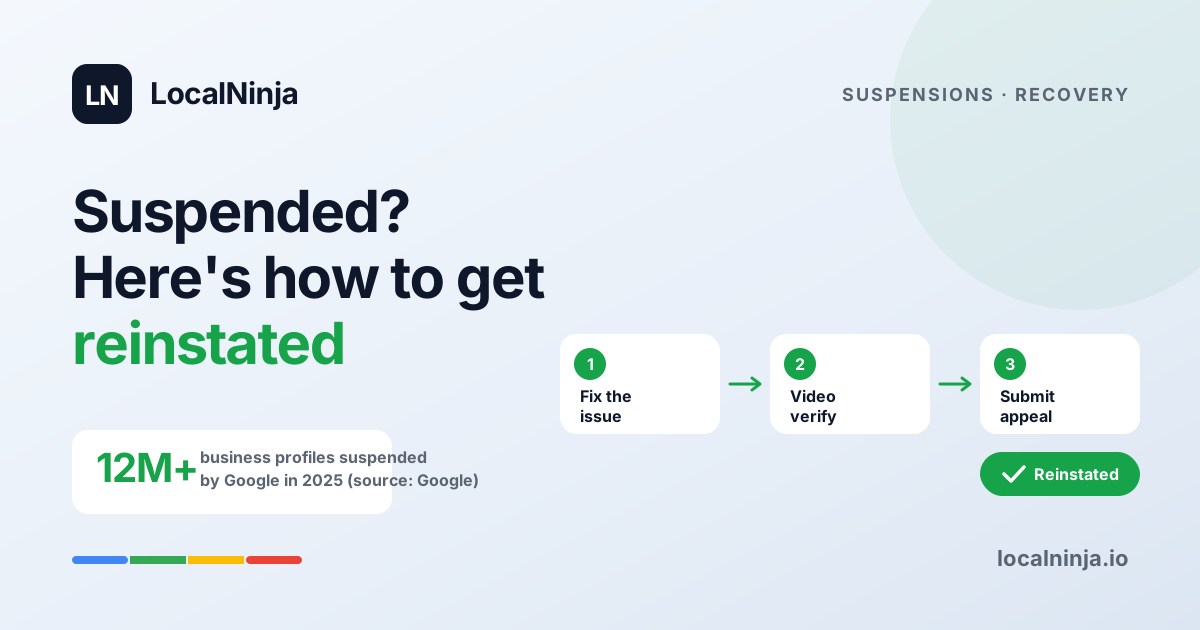
If this just happened to you, take a breath. You're not alone, and you're not in trouble with the law. Google suspended over 12 million business profiles in 2025 alone as part of a massive anti-spam crackdown. The problem? Their automated systems cast a very wide net, and legitimate businesses get caught in it every single day.
Why Google is suspending more profiles than ever
Google has been at war with fake listings for years — think scam locksmiths, phantom plumbing companies, and lead-gen operations that don't actually exist. To fight back, they rolled out a combination of AI-powered surveillance and human review teams. The system runs 24/7, scanning profiles for anything that looks suspicious.
The catch is that "suspicious" to an algorithm isn't always "suspicious" to a real person. A dentist who moved offices six months ago, a landscaper who works from home, a bakery that added "gluten-free" to their business name — all of these can trigger a suspension. Google would rather take down a legitimate business temporarily than let a fake one stay up and scam consumers.
The #1 reason businesses get suspended in 2026
If you added extra words to your business name on Google to help you show up in more searches, that's almost certainly what got you flagged. This is called keyword stuffing, and it's the single biggest trigger for suspensions right now. Your Google Business Profile name needs to match your real-world business name — the one on your signage, your business cards, and your legal documents.
For example, if your business is legally called "Rivera Plumbing," your Google profile should say "Rivera Plumbing" — not "Rivera Plumbing - Emergency Plumber & Drain Cleaning in Austin TX." Google sees that extra text and flags it as spam, even though you're a real plumber who genuinely does emergency drain cleaning in Austin. It feels unfair, but those are the rules.
Other common triggers you might not know about
Beyond the business name issue, several other things can get your profile pulled. Some of these might surprise you because they seem perfectly reasonable from your perspective.
- Using a virtual office, coworking space, or PO Box as your business address. Google wants a real location where customers can visit or where you actually work from.
- Having duplicate listings — maybe you created a new profile after moving and forgot to delete the old one, or a previous owner's listing is still floating around.
- Inconsistent information across the internet. If your address is "123 Main St" on Google but "123 Main Street, Suite B" on Yelp and "123 Main" on your website, that's a red flag.
- Service-area businesses (like plumbers or house cleaners) that display a physical address when they shouldn't. If you go to customers instead of them coming to you, your address should be hidden.
- Sudden changes to your profile — like updating your name, address, and phone number all at once. The system interprets this as someone hijacking the listing.
Step 1: Figure out what went wrong
Before you try to fix anything, you need to understand what triggered the suspension. Google's notifications are frustratingly vague — they usually just say "quality guideline violations" without telling you which guideline you violated. So you'll need to do some detective work.
Start by comparing your business name on Google to the name on your storefront sign, your state business registration, and your invoices. If there's any difference at all, that's likely your culprit. Then check your address — is it a real commercial or residential location where you actually work? Finally, search Google Maps for your business name and see if there's a duplicate listing lurking out there.
Step 2: Fix the issues before you appeal
This is the step most people skip, and it's why most appeals fail. If you appeal without fixing the underlying problem, Google will just deny you and you'll have wasted weeks. Even though your profile is suspended, you can usually still edit your business information in the Google Business Profile dashboard.
- Change your business name to match your exact legal name and signage. Remove every extra keyword, service description, and location modifier.
- Verify your address is legitimate. If you're using a virtual office, you may need to switch to your actual home address or find a real office.
- Search for and request removal of any duplicate listings through the "suggest an edit" feature on Google Maps.
- Make sure your name, address, and phone number are identical everywhere online — your website, Yelp, Facebook, Yellow Pages, everywhere.
- If you're a service-area business, switch your profile to hide your address and show only your service areas instead.
Step 3: Get through video verification
Video verification is now Google's standard process for reinstating suspended profiles, and it trips up a lot of people. You'll need to record a continuous video (no cuts or edits) that shows your business location from the outside, walks inside, shows your branding and signage, and ends with you demonstrating access to the business — like unlocking a door or sitting at your desk.
A few tips that make the difference: film during business hours so the lights are on and things look active. Make sure your street address is visible on the building or mailbox. Show any business licenses, permits, or signage that match your Google profile name. Keep it under two minutes — Google reviewers watch hundreds of these, so get to the point.
Step 4: Submit your appeal (and be patient)
Once you've fixed the issues and prepared your video, submit your reinstatement request through the Google Business Profile dashboard. Write a clear, polite explanation of what happened and what you've corrected. Don't get emotional or accusatory — the person reading your appeal is a contractor who processes dozens per hour. Make it easy for them to say yes.
Appeals typically take 3-7 business days, but some drag on for weeks. If your first appeal is denied, don't panic. Review the denial reason (even though it'll be vague), make additional corrections, and try again. You can also reach out to Google Business Profile support through the "Contact Us" option in the help center, or post in the Google Business Profile Community forum where Google Product Experts can escalate your case.
What to do while you wait
A suspended profile doesn't mean your business disappears from the internet. While you're waiting for reinstatement, make sure your website is up to date with your correct address, phone number, and hours. Update your Yelp, Facebook, and Apple Maps listings. If you run Google Ads, those can still show — your ad account is separate from your Business Profile.
This is also a good time to ask happy customers to leave reviews on other platforms. When your Google profile comes back, you'll still have all your existing reviews. But having a presence on Yelp, Facebook, and industry-specific directories means you're not putting all your eggs in one basket.
How to make sure this never happens again
Prevention is genuinely easier than recovery. Do a quarterly check of your Google profile to make sure nothing has drifted — sometimes Google auto-suggests edits from user submissions, and if you don't catch them, your information can get changed without you realizing it. Keep your business name clean and matching your legal name. If you move locations, update your address everywhere at the same time.
Set up notifications in your Google Business Profile dashboard so you know immediately if someone suggests an edit to your listing. And if you're ever tempted to add keywords to your business name because a competitor is doing it — don't. Keep your own name clean and let your reviews and profile do the work. Google catches up with the keyword-stuffers eventually, and you'll stay in the clear.
Don't go through this alone
Dealing with a Google suspension while also trying to run your business is exhausting. You shouldn't have to become a Google policy expert just to show up when someone searches for a plumber. If you want someone to look at your profile and tell you exactly what needs fixing, LocalNinja offers a comprehensive profile audit — we'll check your listing for every known suspension trigger and show you how to fix them before Google comes knocking.