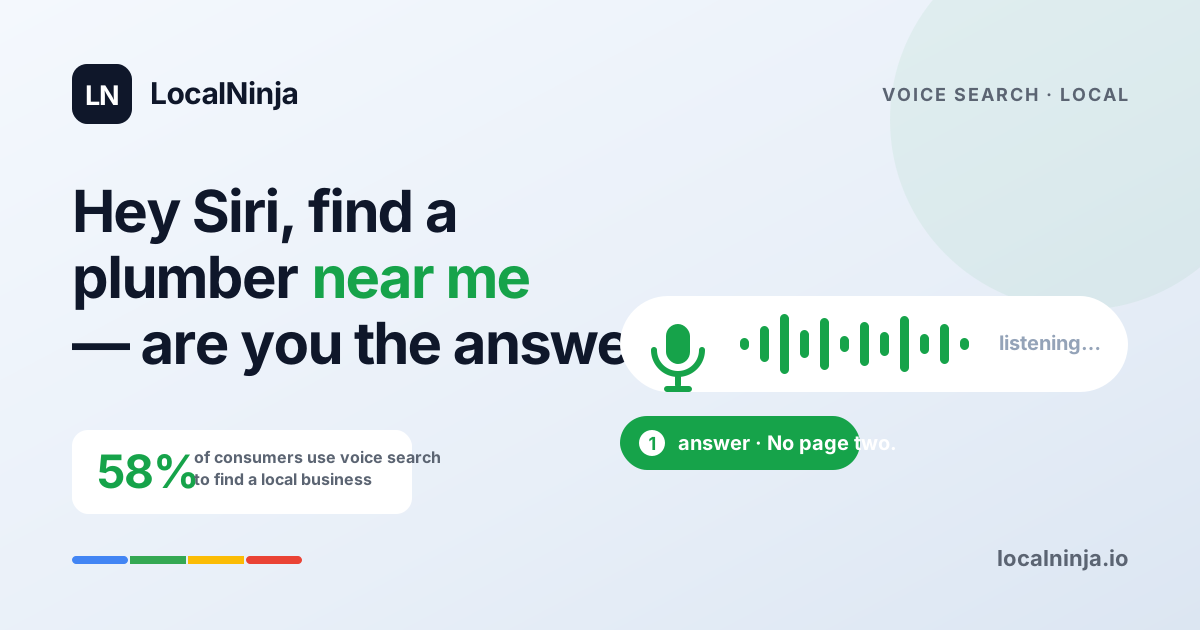
"Hey Siri, find a plumber near me." "Alexa, where's the closest pharmacy open right now?" "Hey Google, best dentist in my area." These aren't hypothetical queries — 58% of consumers now use voice search to find local businesses. And here's the thing that changes everything about how you think about search: voice assistants don't give a list of ten results. They give one answer. If your business isn't that one answer, you're invisible.
The good news? Most local businesses haven't done a single thing to optimize for voice search. That means the bar is low and the opportunity is wide open. Let's talk about how voice search actually works, what it pulls from, and the surprisingly simple steps you can take to become the answer.
How voice search is different from typing
When someone types a search, they use shorthand: "plumber chicago south side." When someone speaks a search, they talk like a human: "Where can I find a good plumber on the south side of Chicago who's available today?" Voice queries are longer, more conversational, and almost always phrased as questions. This matters because Google has to match those natural-language questions to businesses that have natural-language answers.
The other big difference: intent. Someone using voice search is usually ready to act right now. They're standing in their kitchen with a leaking faucet, or sitting in their car looking for somewhere to eat. These are high-intent, ready-to-buy moments — exactly the customers you want to reach.
Where voice assistants get their answers
When Siri, Google Assistant, or Alexa answer a local business question, they're pulling from a few specific sources. The most important one, by far, is your Google Business Profile. Your business name, address, hours, phone number, service descriptions, and categories — that's the raw data voice assistants use to decide whether to recommend you.
The second source is featured snippets and FAQ content from your website. If someone asks "how much does a dental crown cost?" and your website has a clear, well-structured answer, Google may pull that answer directly and read it aloud. Your Google profile gets you found; your website content gets you chosen.
The "near me" + "open now" pattern
"Near me" and "open now" are the two most common modifiers in voice search queries. People say things like "find a pizza place near me that's open now" or "nearest auto repair shop open on Saturday." If your Google Business Profile doesn't have accurate, up-to-date hours — including holiday hours and special hours — you're disqualifying yourself from these searches entirely.
This is one of the most common problems we see in our audits. A restaurant that closes at 10 PM but still shows 9 PM in their profile. A dentist that's open Saturday mornings but never updated their hours to reflect it. These seem like small oversights, but when a voice assistant is choosing between two similar businesses and one has confirmed current hours, it picks the one it's sure about.
Winner takes all: there's no page two in voice search
When you search on your phone or computer, you get ten results on page one and can scroll for more. When you ask your voice assistant a question, you get one answer. Maybe two. That's it. There's no "let me check the second option." Voice search is winner-takes-all, and the winner is usually the business with the most complete, most accurate, most up-to-date profile.
This is why every detail matters. The businesses that fill out every single field in their Google Business Profile — services, descriptions, attributes, hours, photos, Q&A — are the ones voice assistants trust enough to recommend. Leaving fields blank is like leaving money on the table.
Complete your Google Business Profile — every single field
This is the single most impactful thing you can do for voice search, and it's free. Go through your Google Business Profile and fill out absolutely everything. Your primary and secondary categories, your service list with descriptions, your business description, your attributes (wheelchair accessible, free Wi-Fi, women-owned — whatever applies), your service area, and of course your hours.
Use natural language in your service descriptions. Instead of "HVAC repair," write "We repair and maintain heating and air conditioning systems for homes and small businesses." Why? Because that's how people ask voice assistants about you. The closer your descriptions match real spoken queries, the more likely you are to be the answer.
Add FAQ content to your website
Voice searches are questions, and your website should have answers. Create a FAQ page — or better yet, add FAQ sections to your service pages — that directly answers the questions your customers actually ask. "How much does a root canal cost?" "Do you offer emergency plumbing service?" "How long does a roof inspection take?"
Write each answer the way you'd say it out loud, in two to three clear sentences. Don't stuff keywords. Don't write in marketing-speak. Just answer the question like a helpful human being. Google is remarkably good at matching these conversational answers to conversational voice queries. If someone asks Siri "how much does a roof inspection cost in Denver?" and your website says "A typical roof inspection in Denver costs between $150 and $400 depending on the size of your roof," there's a strong chance you become the featured answer.
Keep your hours current — always
We keep coming back to hours because they're that important. Voice searches skew heavily toward immediate needs — people looking for something right now, today, this evening. If your hours are wrong, two bad things happen: either Google doesn't show you because it thinks you're closed, or Google shows you, the customer drives over, and finds your door locked. Both cost you customers, and the second one earns you a bad review.
Update your hours every time they change. Add special hours for holidays before the holiday, not after. If you close early on Wednesdays in the summer, put that in your profile. It takes 30 seconds and it's one of the easiest ways to stay eligible for "open now" voice searches.
The voice search checklist
Here's a quick action list you can work through this week to make your business more voice-search friendly:
- Log into your Google Business Profile and fill out every empty field — especially services, categories, attributes, and business description.
- Rewrite your service descriptions in natural, conversational language. Read them out loud — if they sound robotic, rewrite them.
- Double-check your business hours, including special hours for any upcoming holidays.
- Add a FAQ section to your website with 10-15 real questions your customers ask, answered in plain language.
- Make sure your name, address, and phone number are identical on your website, your Google profile, and any other directory listings.
- Ask a friend to try a voice search for your type of business in your area. See who comes up — and whether it's you.
Most businesses haven't started — that's your advantage
Voice search optimization sounds intimidating, but honestly, it's mostly just good housekeeping. Keep your profile complete and accurate. Write like a real person. Answer the questions your customers are actually asking. That's the whole strategy, and almost none of your local competitors are doing it.
Want to know if your business is voice-search ready? LocalNinja's professional profile audit checks your entire Google Business Profile for completeness, accuracy, and voice-search readiness. We'll show you exactly which fields are missing, which descriptions need work, and how you compare to the competition. It takes two minutes, and you might be surprised by what we find.